How do I set weekly availability, shift preferences, and blackout dates?
Configure recurring day/evening/night shift availability, minimum/maximum weekly hours, and schedule blackout dates for time off.
What You Need Before Starting
- Access to My Profile or worker profile in the portal.
Step-by-Step Instructions
Open Availability Schedule
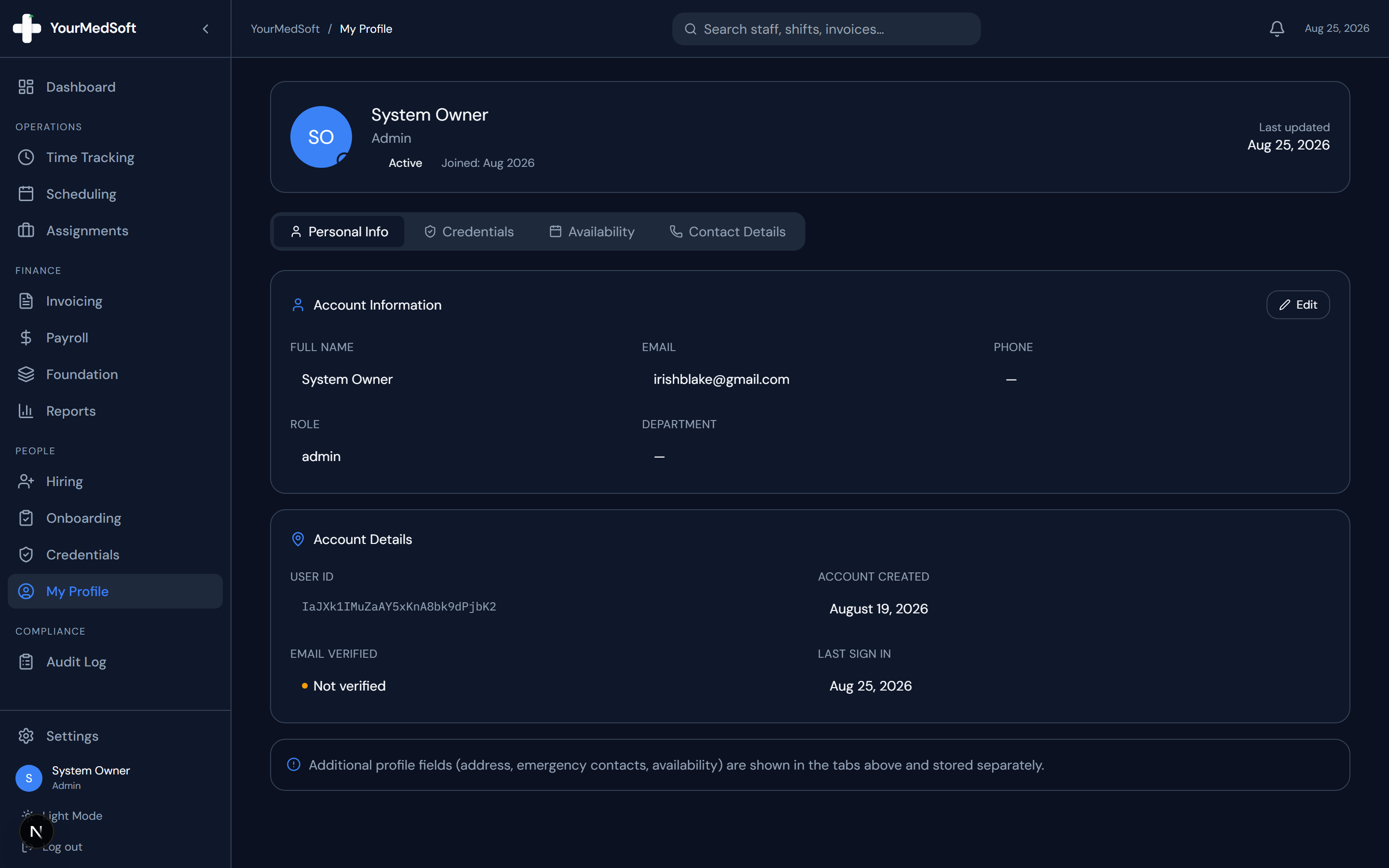
Click "My Profile" in the sidebar and select the "Availability" tab in the header.
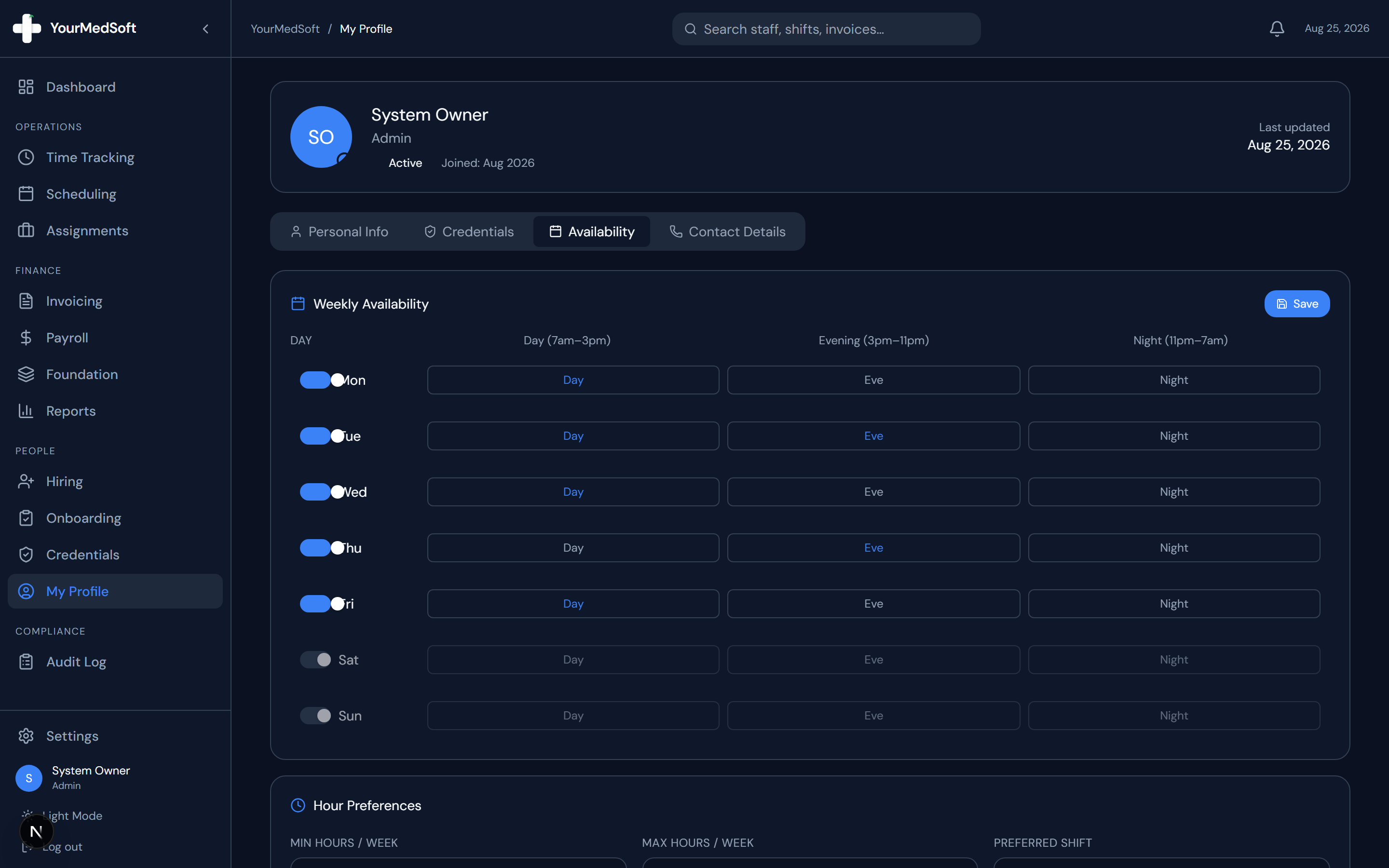
Clinician profile settings and weekly recurring availability schedule.
Toggle Daily Availability
For each day of the week (Monday through Sunday), toggle the day switch On or Off to indicate if you are open for shifts.
Select Shift Windows
For active days, click Day (7am–3pm), Eve (3pm–11pm), or Night (11pm–7am) to indicate which specific shift windows you can work.
Set Weekly Hours Preferences
Enter your desired Minimum Hours / Week and Maximum Hours / Week to help coordinators balance your workload.
Add Blackout Dates (Time Off)
Under the Blackout Dates section, pick specific calendar dates when you will be unavailable, then click "Add Date".
Save Preferences
Click the blue "Save" button in the upper right. Coordinators will immediately see your updated availability when building schedules.
Pro-Tips & Best Practices
- Blackout dates prevent coordinators from inadvertently scheduling you on approved vacation days.
Frequently Asked Questions & Troubleshooting
Can coordinators override my declared availability?
Coordinators can view your preferences when assigning shifts. If an urgent placement is needed, the system will highlight the preference difference for review.
Was this guide helpful?
Your feedback helps us continuously improve our documentation.