How do I create job postings and manage the public job board?
Publish clinical openings to your agency’s public branded careers board and collect candidate applications.
What You Need Before Starting
- Admin or Manager role in YourMedSoft.
Step-by-Step Instructions
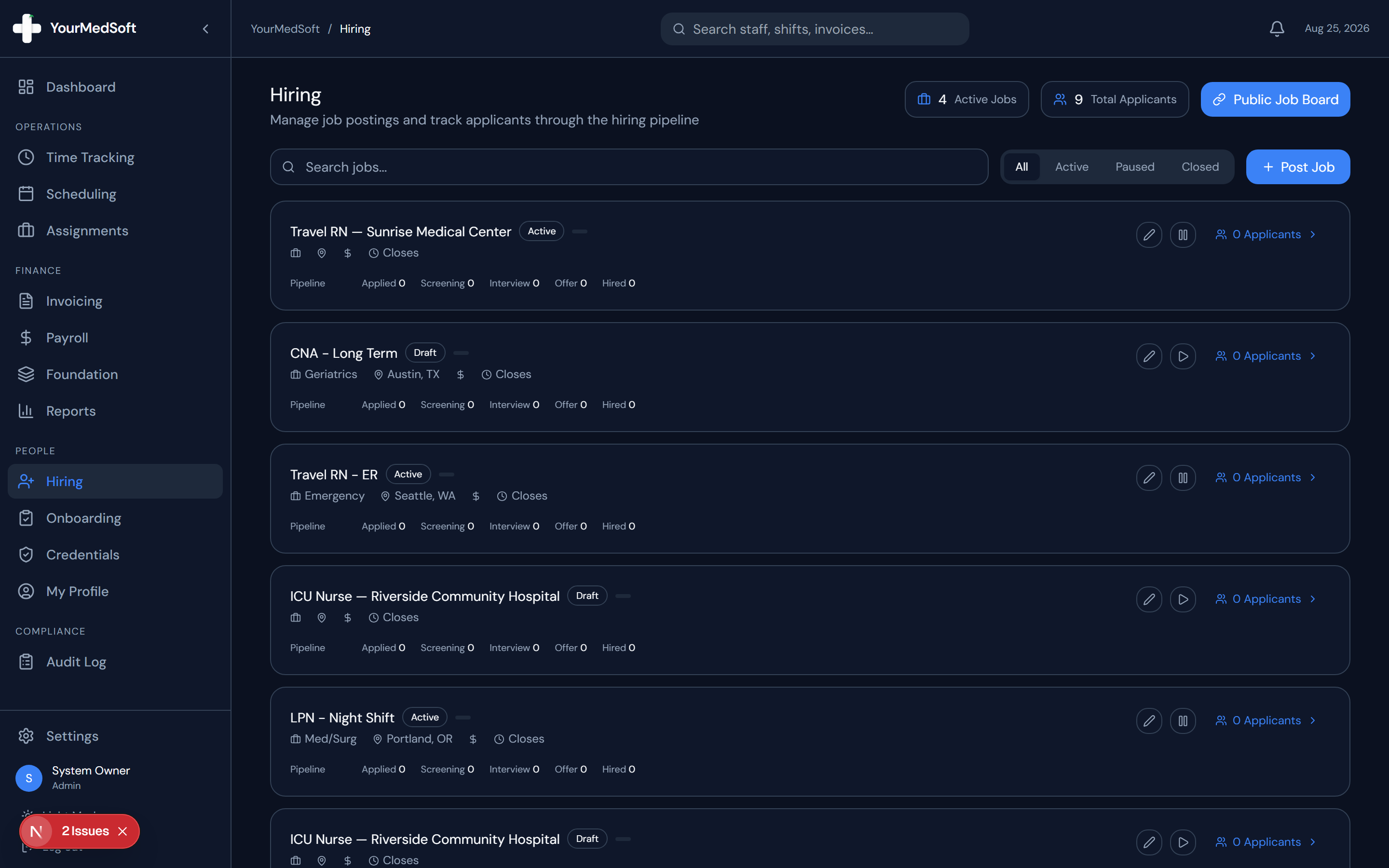
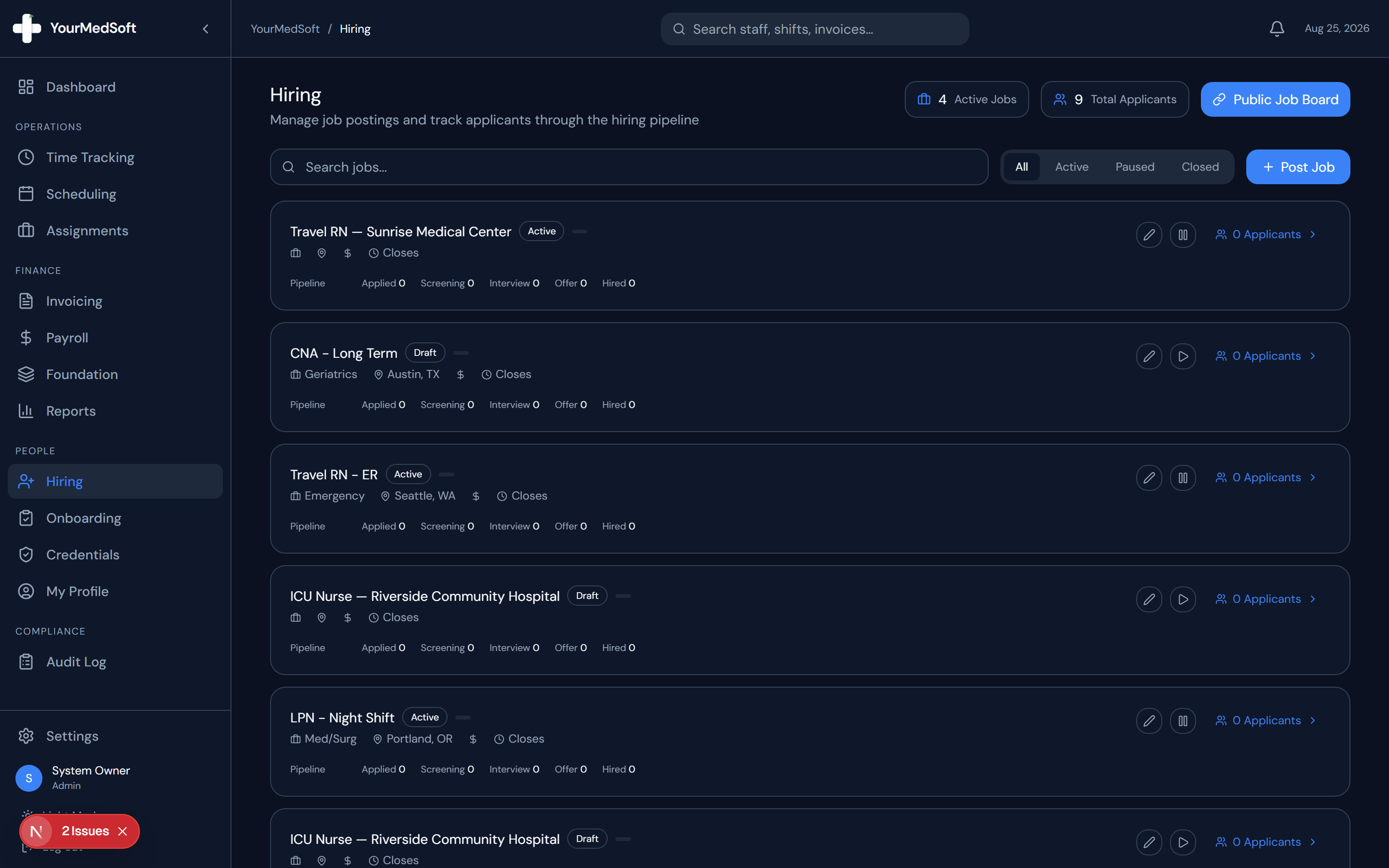
Navigate to Hiring
Click "Hiring" in the left sidebar to open the hiring and recruitment module.
Click Post New Job
Click the "+ Post New Job" button in the header.
Job posting editor with department, rate ranges, and requirements builder.
Define Job Details
Enter the Job Title (e.g., "ICU Travel Nurse RN"), Clinical Department, Location, Job Type (Full-time, Contract, Per Diem), and Pay Range (e.g., "$85 - $95 / hr").
Add Description and Requirements
Provide an overview of the facility and unit expectations. Add bullet points for required certifications (e.g., "Active RN License, BLS, ACLS, 2+ years ICU experience").
Publish to Public Board
Set Status to "Active" and click "Create Job Posting". The job is immediately live on your agency’s public career portal.
Pro-Tips & Best Practices
- You can share your public job board link (yourmedsoft.com/[your-agency-id]/jobs) on LinkedIn, Indeed, and nurse job forums.
Frequently Asked Questions & Troubleshooting
Can I draft jobs before publishing?
Yes. Set the Status to "Draft" to save the posting internally until you are ready to publish.
Was this guide helpful?
Your feedback helps us continuously improve our documentation.