How do I add clients and configure payment terms?
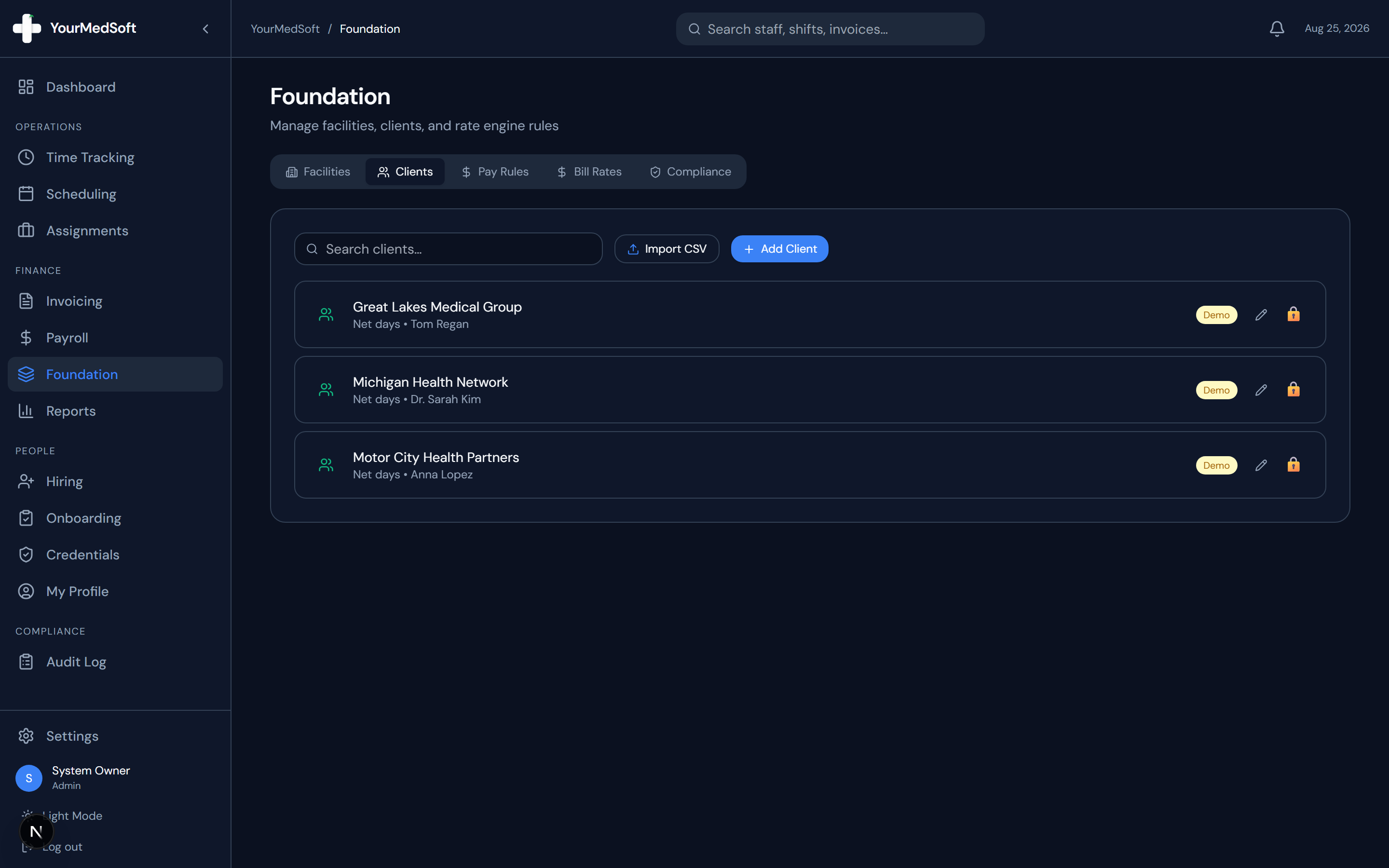
Set up client parent companies, billing email addresses, net payment terms (Net 15 to Net 90), and bulk CSV import for automated invoicing.
What You Need Before Starting
- Admin role permissions.
Step-by-Step Instructions
Open Foundation Clients Tab
In the Foundation module, click the "Clients" tab.
Click Add Client or Import CSV
Click "+ Add Client" to create an individual billing record or "Import CSV" to batch-upload client accounts.
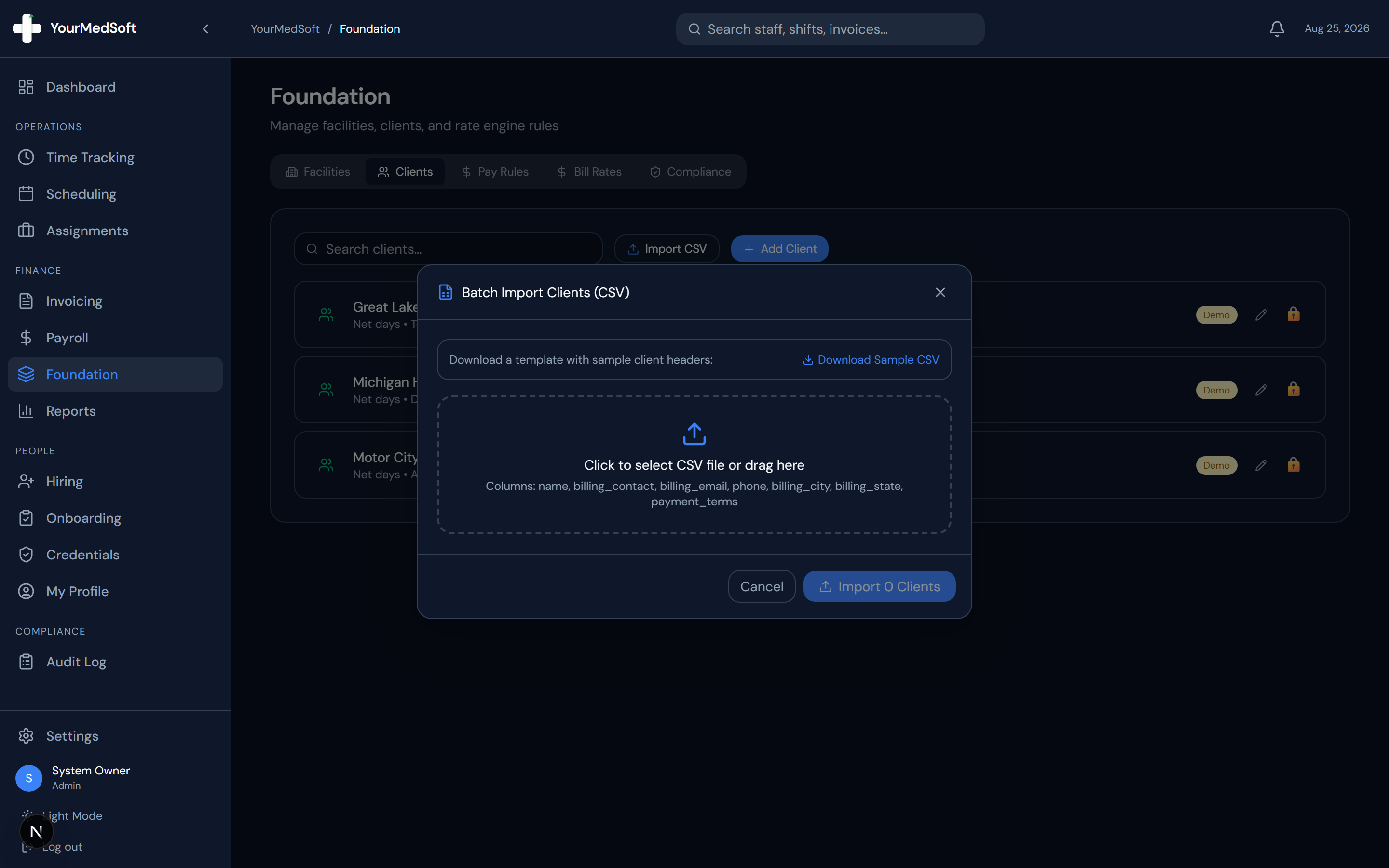
Batch Import Clients modal for instant bulk upload of client billing profiles.
Enter Billing & Contact Information
Enter the Client Name, Billing Email, Billing City/State, Contact Name, and Phone.
Select Net Payment Terms
Choose the agreed payment window from the Net Days dropdown (Net 15, Net 30, Net 45, Net 60, or Net 90).
Save Client
Click "Save". When creating invoices for this client, the due date and billing address are now automatically calculated based on these terms.
Pro-Tips & Best Practices
- A single client (such as a regional health network) can oversee multiple physical facilities.
Frequently Asked Questions & Troubleshooting
How do net payment terms affect invoices?
When you select this client in the Invoice Builder, the invoice Due Date automatically defaults to exactly the number of net days from the issue date.
Was this guide helpful?
Your feedback helps us continuously improve our documentation.