How do I configure role pay rules, overtime, and shift differentials?
Establish agency-wide base pay rates per clinical license, define overtime and double-time multipliers, and configure night and weekend differentials.
What You Need Before Starting
- Admin role permissions.
Step-by-Step Instructions
Open Pay Rules Tab
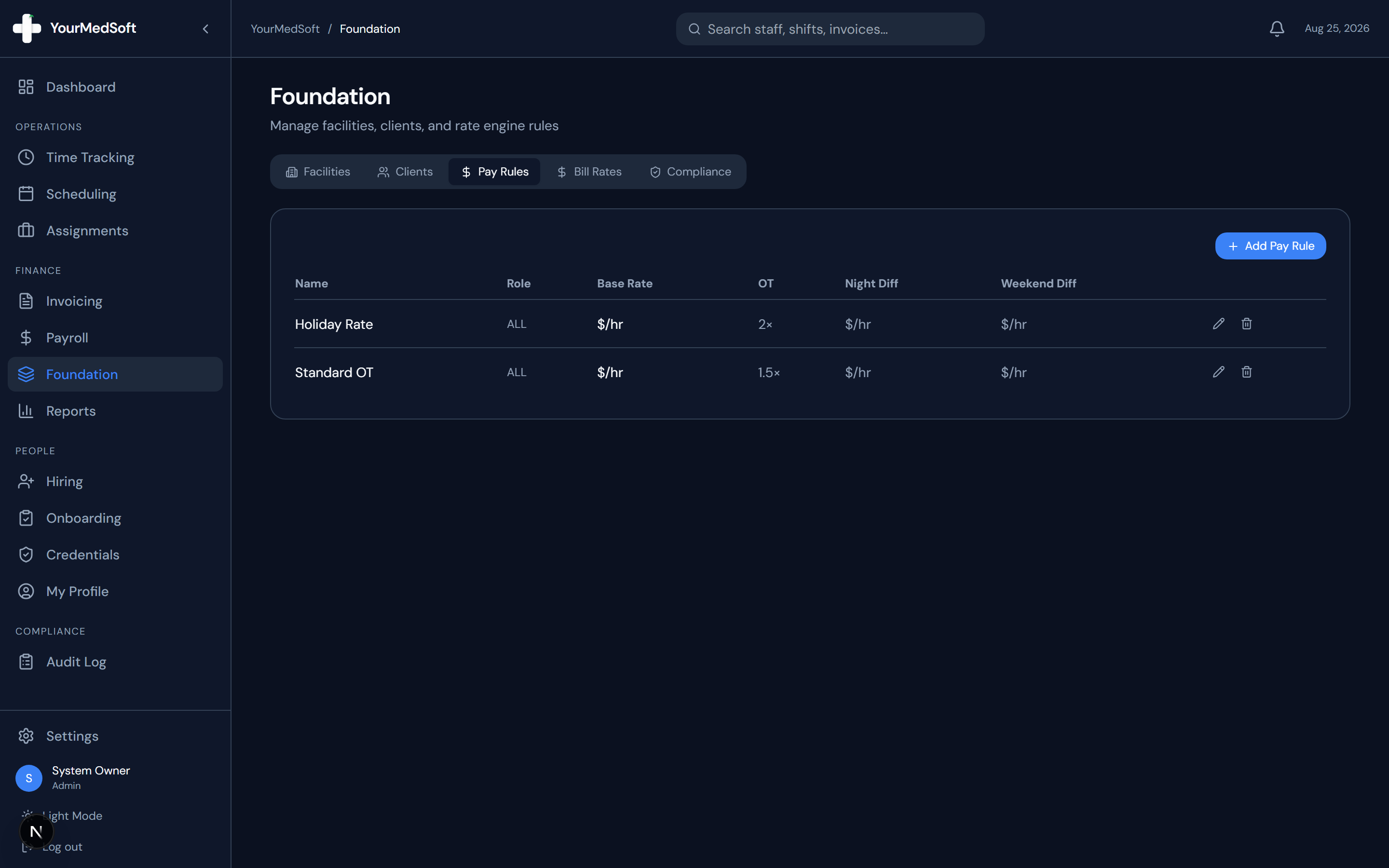
In Foundation, click the "Pay Rules" tab to review active compensation baselines.
Click Add Pay Rule
Click "+ Add Pay Rule" to establish a new compensation policy.
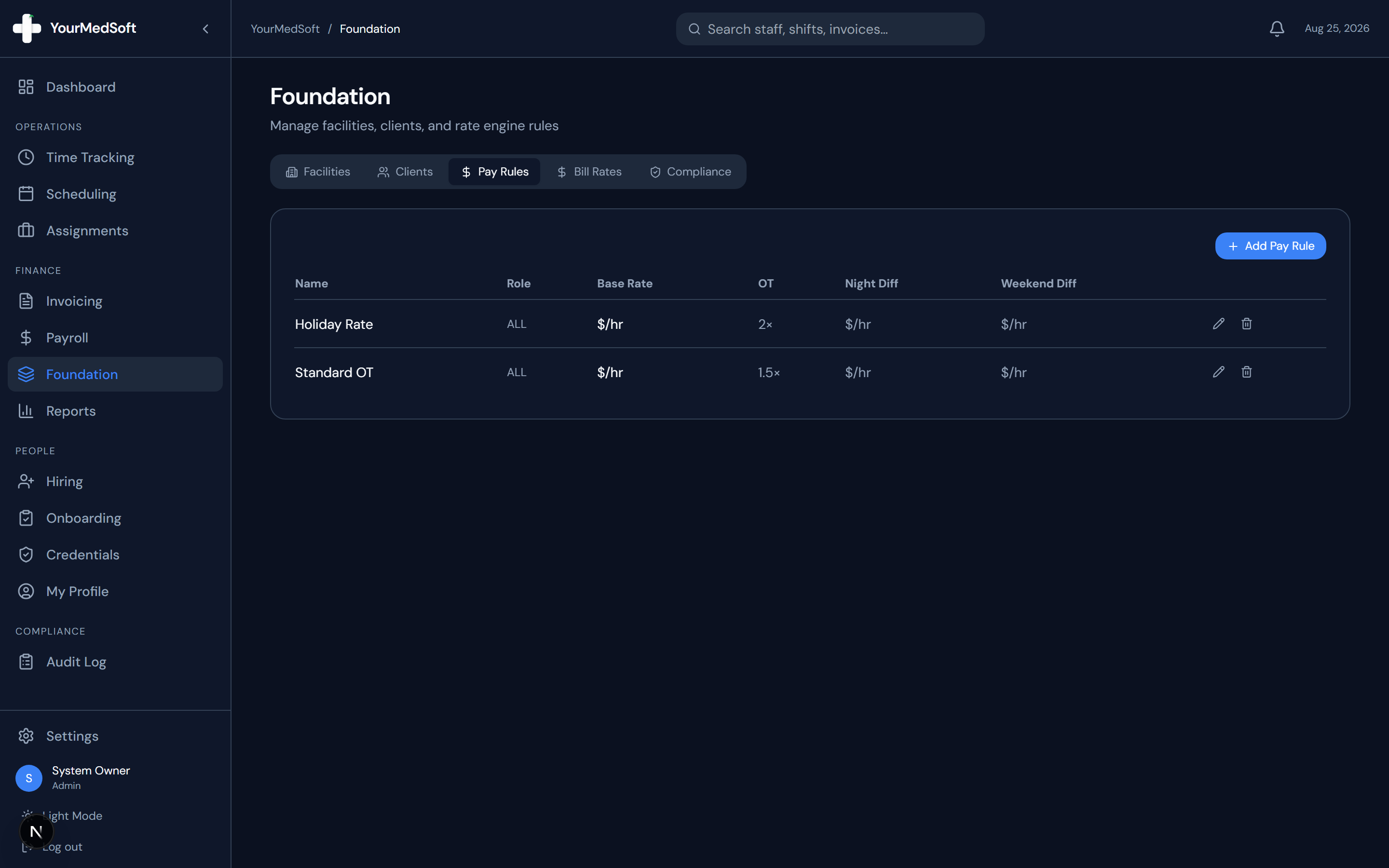
Role-based pay rules with overtime multipliers and night/weekend differentials.
Define Role and Base Rate
Enter a Rule Name (e.g., "ICU RN Standard Rate"), select the Clinical Role (RN, LPN, CNA, NP, MD, etc.), and set the Base Hourly Pay Rate ($/hr).
Configure Multipliers & Differentials
Set the Overtime Multiplier (default 1.5x), Double Time Multiplier (default 2.0x), Night Differential ($/hr added for night shifts), and Weekend Differential ($/hr).
Save Rule
Click "Save". These pay rules automatically apply whenever clinicians log shifts without a specific contract override.
Pro-Tips & Best Practices
- Differentials ensure clinicians working demanding night or weekend shifts are compensated correctly during automated payroll calculation.
Frequently Asked Questions & Troubleshooting
Can individual clinicians have higher pay rates than the base rule?
Yes. An individual pay rate specified on a staff profile or contract assignment always overrides the general foundation rule.
Was this guide helpful?
Your feedback helps us continuously improve our documentation.