How do I generate an instant audit binder for Joint Commission surveys?
Produce comprehensive, timestamped audit binders containing primary source license verifications, background checks, and competencies for surveyors.
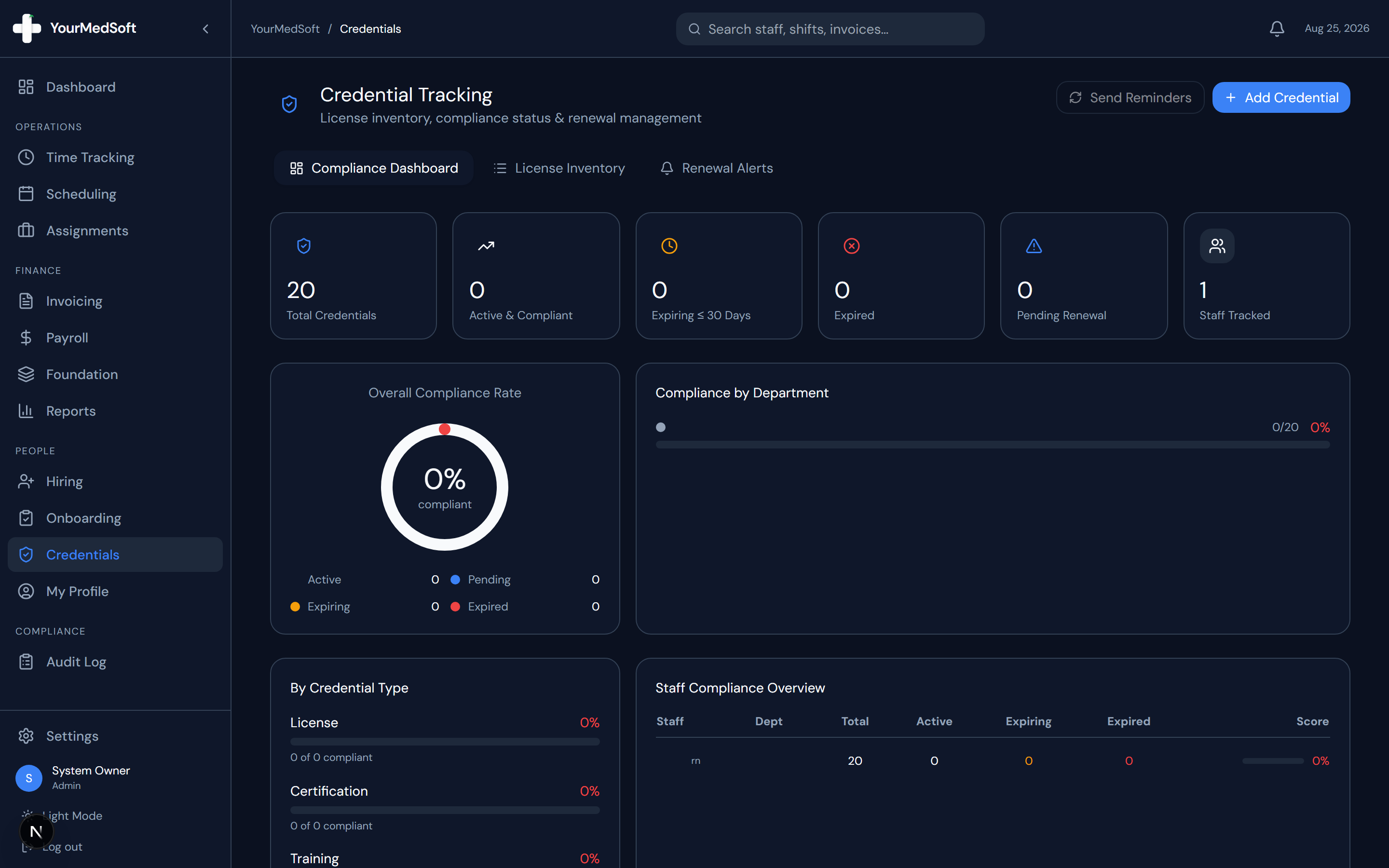
To generate a Joint Commission compliance binder in YourMedSoft, navigate to Credentials > Audit Reports, select Joint Commission Audit Binder, choose the audit date range and clinician roster, and click Generate Surveyor Packet. A bookmarked, watermarked PDF binder is created in under 60 seconds.
What You Need Before Starting
- Admin credentials with compliance reporting access.
Clinical & Regulatory Compliance Standards
- Directly aligns with The Joint Commission Health Care Staffing Services (HCSS) accreditation standards.
Step-by-Step Instructions
Open Audit Reports Center
Go to Credentials and click "Audit Reports & Surveyors".
Select Survey Standard
Choose "The Joint Commission (HCSS) Surveyor Packet" from the survey templates.
Automate Your Healthcare Staffing Operations
YourMedSoft unifies scheduling, GPS time tracking, credentialing, and facility invoicing into one modern platform for healthcare agencies.
Filter Clinician Sample Roster
Select all active clinicians or input the specific 10–20 random sample names requested by the surveyor.
Include Document Categories
Ensure licenses, primary source checks, skills checklists, drug screens, background reports, and evaluations are checked.
Generate Watermarked PDF Binder
Click "Export Digital Audit Binder". The system compiles a bookmarked, indexed PDF ready for immediate surveyor inspection.
Pro-Tips & Best Practices
- Generate a sample audit binder quarterly to conduct internal mock audits and identify missing documentation.
Troubleshooting & Operational Edge Cases
Issue: Surveyor asks for a clinician not in the active roster
Operational Resolution: Toggle "Include Inactive & Past Placements" to generate compliance files for historical workers.
Frequently Asked Questions & Troubleshooting
Does the export include timestamps of when licenses were verified?
Yes. Every document in the binder includes an audit metadata banner showing verification date, coordinator name, and primary source database.
Was this guide helpful?
Your feedback helps us continuously improve our documentation.
Recommended for Credentials & Compliance
Joint Commission 10-Point Credentialing Checklist
Audit-ready verification protocol for primary source licensure, OIG exclusions, and immunizations.
41+ State eNLC Compact License Map
Instant verification of compact state reciprocity and primary state of residence requirements.
Hospital Float Pool Software
Enforce acute care certifications (BLS, ACLS, PALS, NIHSS) before any shift assignment.