How do I run monthly OIG LEIE and SAM federal exclusion screenings?
Automate monthly screening against the HHS Office of Inspector General LEIE and federal SAM databases to prevent billing debarment penalties.
To run exclusion screenings in YourMedSoft, navigate to Credentials > Exclusion Screening and click Run Monthly Federal Check. The platform cross-references all active clinicians against the HHS OIG LEIE and SAM.gov databases, generating a clean certificate of compliance for hospital clients.
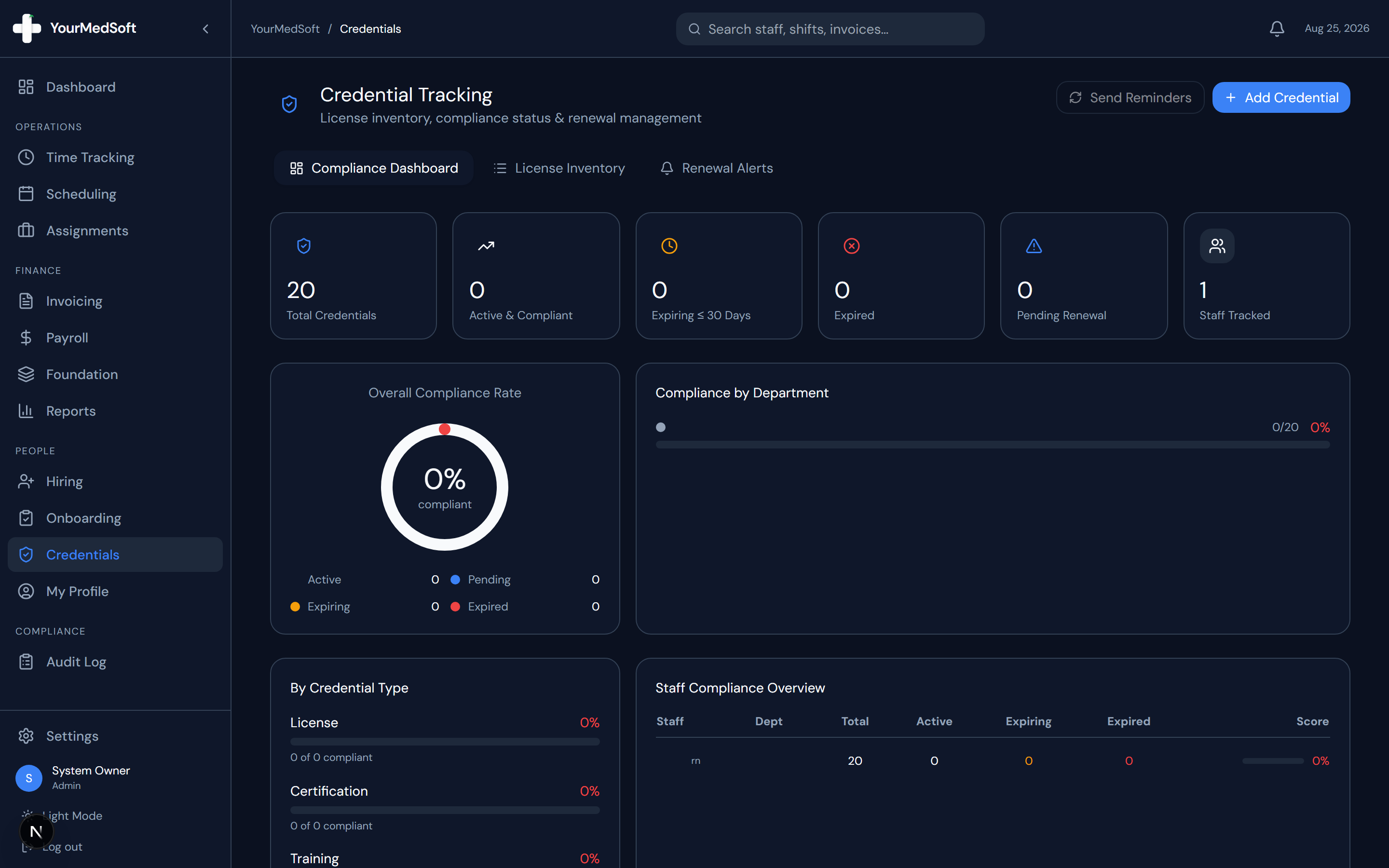
What You Need Before Starting
- Admin permissions to execute agency-wide compliance scans.
- Clinician legal first name, last name, and date of birth must be verified.
Clinical & Regulatory Compliance Standards
- Adheres to HHS OIG Special Advisory Bulletin on the Effect of Exclusion from Participation in Federal Health Care Programs.
Step-by-Step Instructions
Open Exclusion Screening Dashboard
Go to Credentials > Compliance and select the "OIG / SAM Exclusion" tab.
Initiate Batch Registry Scan
Click "Run Batch Exclusion Check" to cross-reference all active staff against federal databases.
Automate Your Healthcare Staffing Operations
YourMedSoft unifies scheduling, GPS time tracking, credentialing, and facility invoicing into one modern platform for healthcare agencies.
Review Scan Match Report
Inspect results. Negative matches are verified with green checkmarks and logged with timestamps.
Export Monthly Surveyor Certificate
Click "Export Exclusion Certificate" to generate a signed PDF report for facility client audits.
Pro-Tips & Best Practices
- Schedule automated monthly cron runs on the 1st of each month to maintain continuous compliance without manual effort.
Troubleshooting & Operational Edge Cases
Issue: Potential name match flag on common clinician name
Operational Resolution: Use the NPI and SSN verification tool in the match drawer to confirm the individual is not the excluded party.
Frequently Asked Questions & Troubleshooting
What happens if a clinician matches an OIG exclusion record?
The system instantly locks the clinician’s profile, prevents shift scheduling, alerts administrators, and prompts verification of SSN/NPI to rule out false positives.
Was this guide helpful?
Your feedback helps us continuously improve our documentation.
Recommended for Credentials & Compliance
Joint Commission 10-Point Credentialing Checklist
Audit-ready verification protocol for primary source licensure, OIG exclusions, and immunizations.
41+ State eNLC Compact License Map
Instant verification of compact state reciprocity and primary state of residence requirements.
Hospital Float Pool Software
Enforce acute care certifications (BLS, ACLS, PALS, NIHSS) before any shift assignment.