How do I handle compliance warnings and admin overrides?
Understand automated compliance barriers, identify missing or expiring licenses, and learn when and how administrators can apply an override.
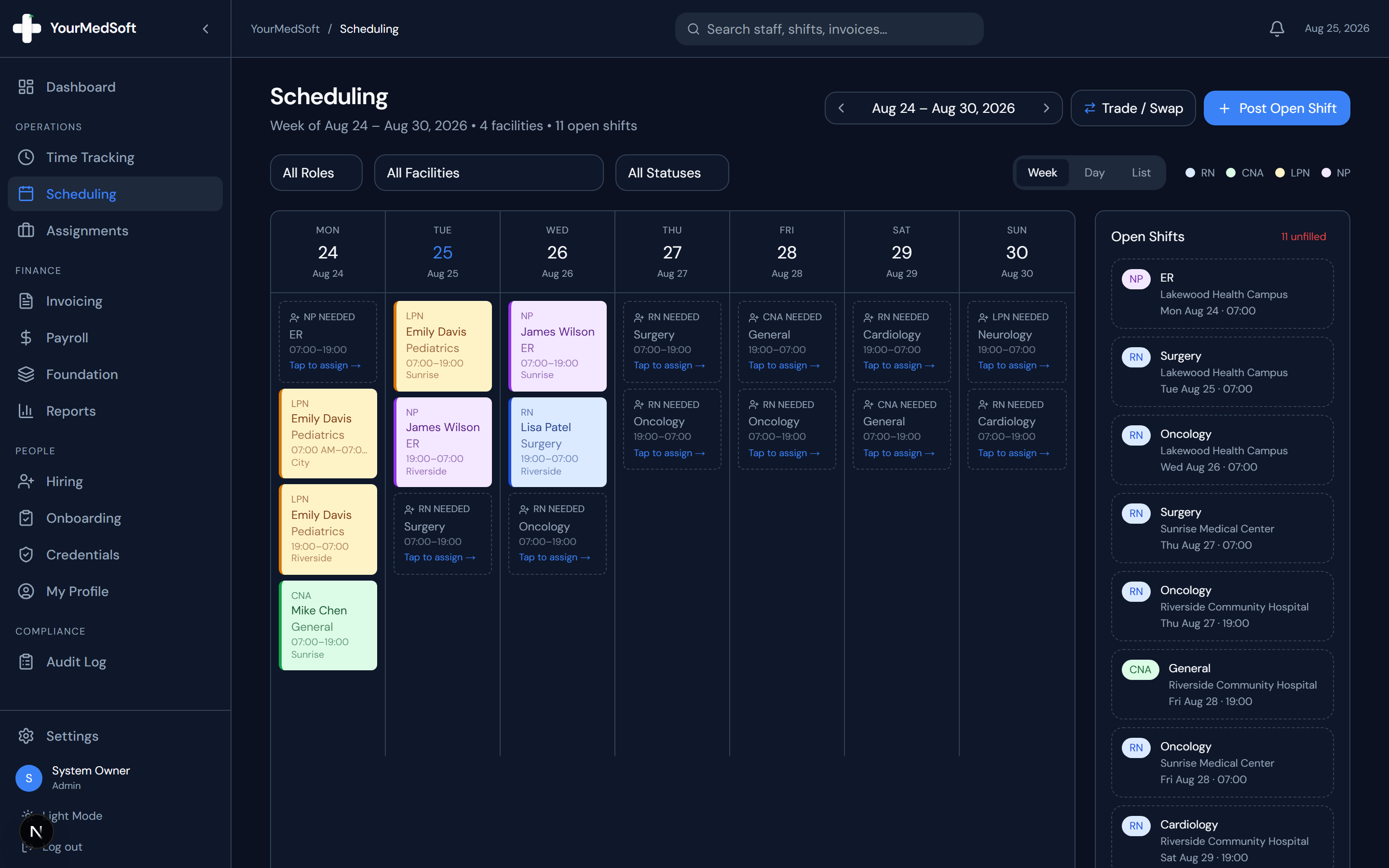
What You Need Before Starting
- Admin or Coordinator permissions are required to perform compliance overrides.
Step-by-Step Instructions
Triggering the Evaluation
When assigning a shift, YourMedSoft checks the clinician’s uploaded licenses against the mandatory rules set for that clinical role.
Reviewing "At-Risk" Warnings
If a credential (such as BLS or State License) expires within 30 days, the clinician remains assignable, but a yellow banner lists the expiring documents so you can follow up with the worker.
Understanding "Non-Compliant" Blocks
If a required credential is missing or already expired, the system flags the assignment as "Non-Compliant" in red and locks the Assign button to protect your agency against audit violations.
Applying an Emergency Admin Override
If you have verified the worker’s credentials through state registries or emergency waiver, check the "Override compliance block" box.
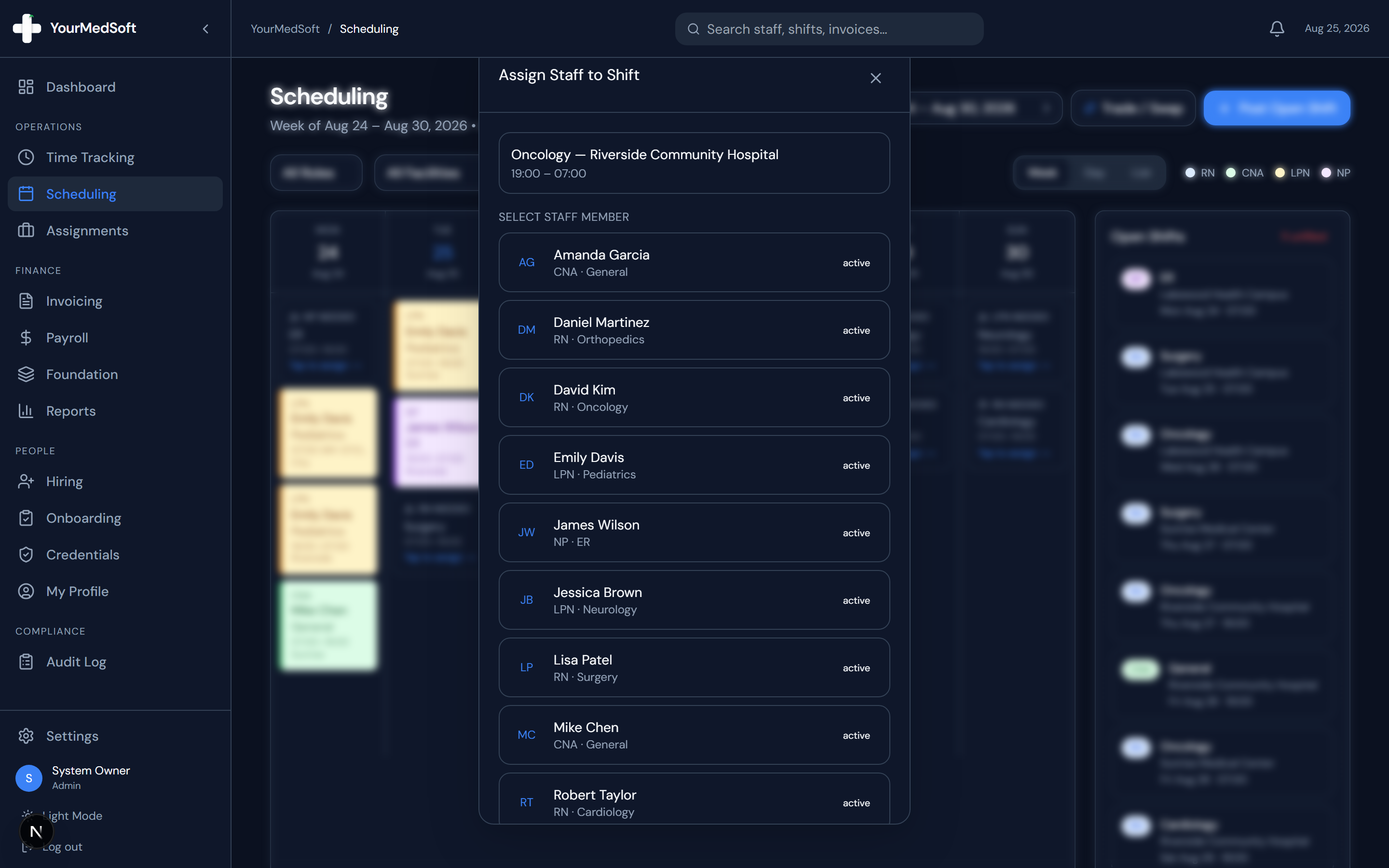
Scheduling compliance validation engine and shift assignment grid.
Documenting the Override Reason
Type a clear justification (e.g., "State license renewal confirmed on board portal, awaiting PDF upload"). This note is permanently written to the certified audit log.
Finalizing Assignment
Click "Assign". The shift will be placed on the schedule, and the audit log records who authorized the override.
Pro-Tips & Best Practices
- Always request updated credential uploads promptly through the Credentials tab to clear the warning permanently.
- Audit reports display all compliance overrides with timestamps and author IDs for Joint Commission inspections.
Frequently Asked Questions & Troubleshooting
Can regular staff members override compliance blocks?
No. Only users with the Organization Admin or Manager role have permission to check the override box.
Was this guide helpful?
Your feedback helps us continuously improve our documentation.