How do I search and reactivate previous applicants in the talent pool?
Leverage your proprietary clinician database to fill urgent staffing requisitions by searching previous applicants and broadcasting re-engagement campaigns.
To source candidates from your talent pool in YourMedSoft, navigate to Hiring > Talent Pool, enter role and specialty keywords (e.g. ICU RN or Travel Telemetry), filter by geographical radius, select matching profiles, and send a bulk SMS or email campaign inviting them to active placement.
What You Need Before Starting
- Recruiter or Coordinator permissions with hiring module access.
Clinical & Regulatory Compliance Standards
- Compliant with CAN-SPAM and TCPA recruitment communications guidelines.
Step-by-Step Instructions
Open the Talent Pool Search Engine
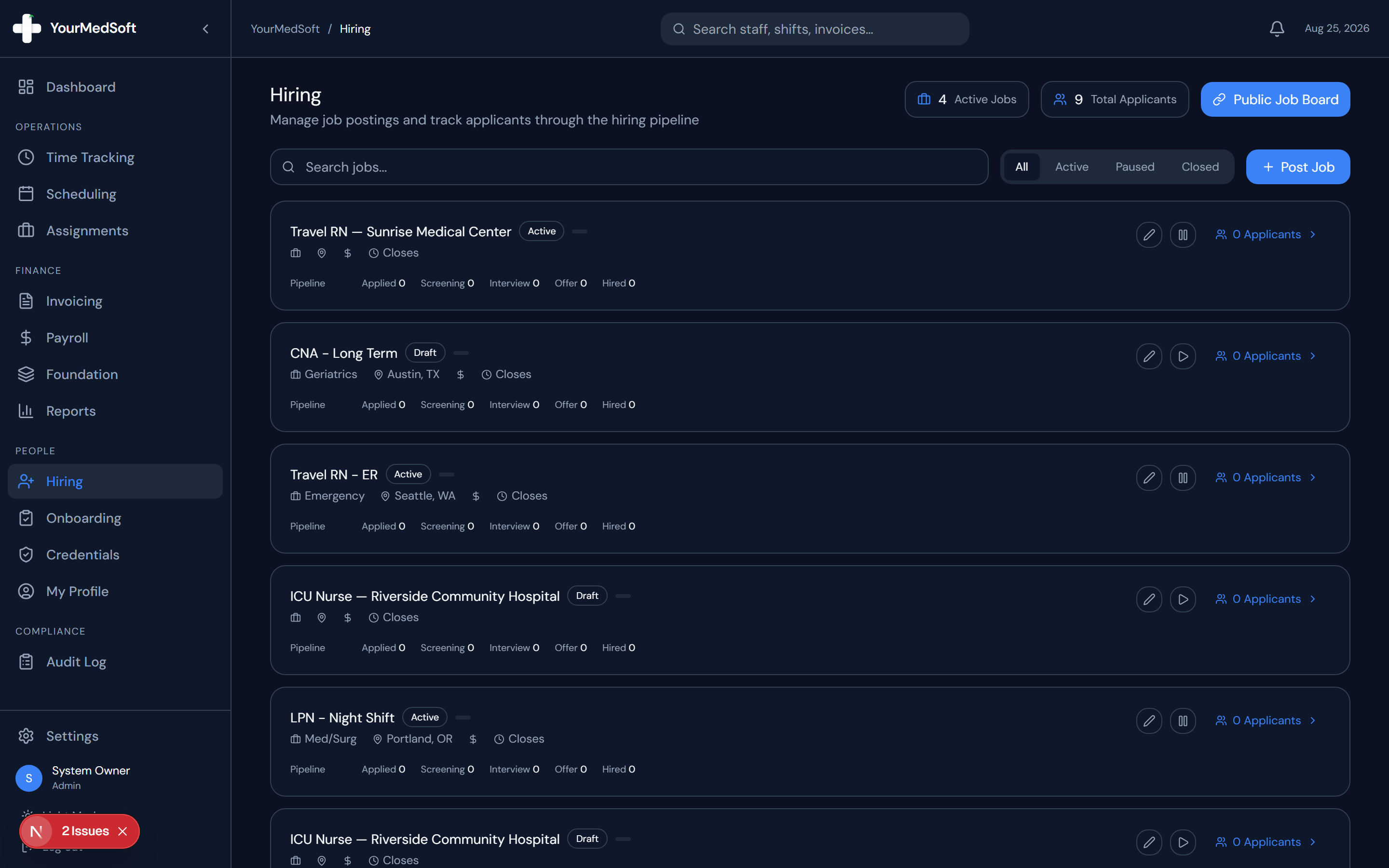
Go to Hiring in the sidebar and select the "Talent Pool" tab.
Filter by Clinical Specialty and Location
Filter candidates by license type (RN, LPN, CNA), specialty certifications, and zip code radius.
Convert Applicants into Shift-Ready Nurses 4x Faster
Accelerate healthcare recruitment with self-service mobile onboarding, automated skills checklists, and 1-click credential verification.
Review Historical Application Notes
Inspect past interview scorecards, past availability records, and past compensation expectations.
Dispatch Reactivation Campaign
Select candidates and click "Send Re-Engagement Campaign" to broadcast open job requisitions via SMS or email.
Pro-Tips & Best Practices
- Include a direct link to the new job posting so interested clinicians can confirm availability with one tap.
Troubleshooting & Operational Edge Cases
Issue: Candidate phone number invalid on re-engagement dispatch
Operational Resolution: The system flags carrier bounce errors and automatically routes the inquiry to their registered email.
Frequently Asked Questions & Troubleshooting
Can I re-activate a candidate directly into active onboarding?
Yes. From the candidate card, click "Move to Active Pipeline" and send a refreshed self-onboarding link.
Was this guide helpful?
Your feedback helps us continuously improve our documentation.
Recommended for Hiring & Job Board
Travel Nurse Assignment Contract Template
Deploy newly hired clinicians quickly with standardized assignment contracts and e-signatures.
Gross Margin & Spread Modeler
Evaluate candidate pay requirements against facility bill rates before extending offers.
Allied Health Staffing Software
Accelerate healthcare recruitment with self-service mobile credential onboarding.